

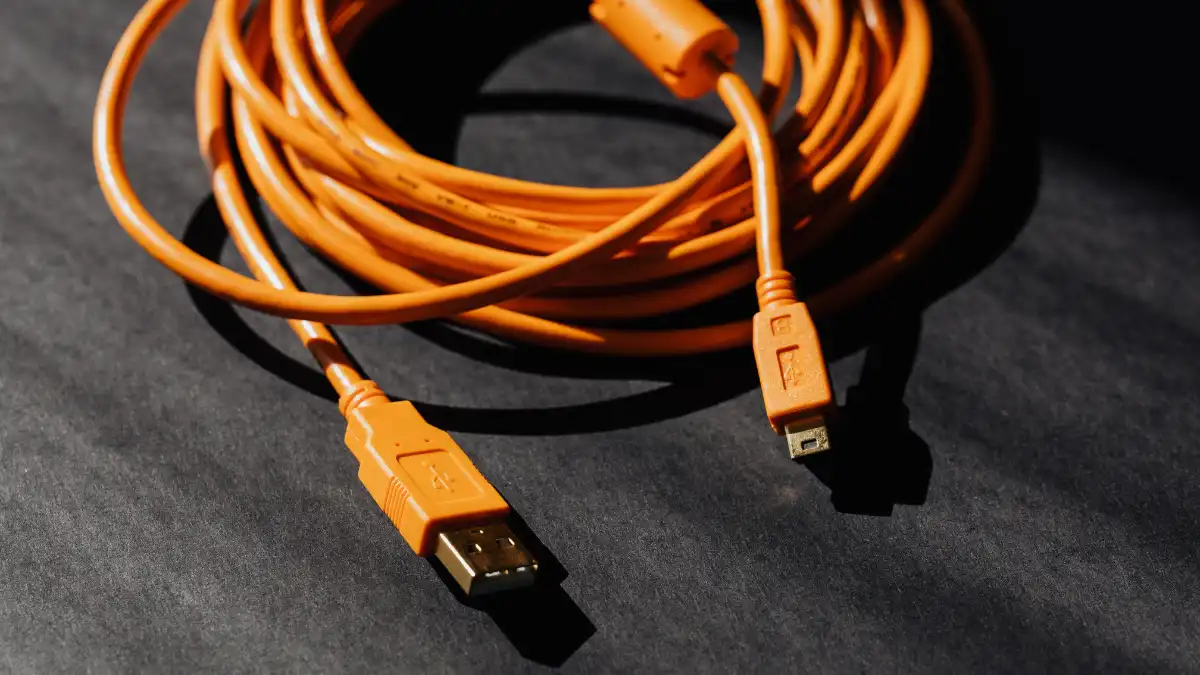
In the realm of electronic devices, the micro USB cord plays a crucial role in connecting and powering a wide array of gadgets. From smartphones and tablets to cameras and speakers, these versatile cords facilitate the transfer of data and power between devices.
However, with a plethora of options available in the market, choosing the right micro USB cord can be a daunting task. This comprehensive guide aims to provide you with a roadmap to navigate through the various factors influencing your decision, ensuring you select the most suitable micro USB cord for your devices.
Understanding the Basics of Micro USB Cords
What is a Micro USB Cord?
The micro USB cord is a standard connector widely used for charging and data transfer in various electronic devices. It features a compact design, making it a popular choice for portable devices like smartphones, cameras, and external hard drives. The micro USB connector has a distinctive trapezoidal shape, with a width of 6.85mm and a height of 1.8mm.
Device Compatibility
One of the primary considerations when choosing a micro USB cord is device compatibility. Not all devices use the same type of USB connector, so it’s essential to ensure that the cord you choose fits your specific device. Common micro USB types include Micro-A, Micro-B, and the reversible Micro-USB Type-C. Check your device’s port to determine the appropriate type for compatibility.
Cable Length Matters
The length of the micro USB cord is a critical factor that often gets overlooked. Depending on your needs and usage scenarios, you may require a shorter or longer cable. Consider where your device will be located concerning the power source and opt for a cable length that provides flexibility without unnecessary slack. For instance, a shorter cord may be suitable for charging from a laptop, while a longer one might be necessary for reaching a wall outlet.
Factors Influencing Micro USB Cord Selection

Charging Speed and Power Output
Different micro USB cords support varying levels of power output and charging speeds. If you’re aiming for fast charging, it’s crucial to choose a cord that is compatible with your device’s fast-charging capabilities. Some cords come with enhanced power delivery features, ensuring a quicker and more efficient charging experience. Be sure to check your device’s specifications and select a micro USB cord that aligns with its charging requirements.
Data Transfer Speed
Apart from charging, micro USB cords are also used for data transfer between devices. The data transfer speed depends on the USB version supported by the cord. USB 2.0 is the most common standard for micro USB cords, offering a data transfer rate of up to 480 Mbps. However, if you need faster data transfer, consider opting for a cord that supports USB 3.0 or later standards.
Durability and Build Quality
The durability of a micro USB cord is a critical aspect, especially if you intend to use it frequently or in demanding environments. Cords with reinforced connectors, braided cables, and strain relief features tend to withstand bending and twisting, offering a longer lifespan. Investing in a high-quality, durable micro USB cord can save you from the inconvenience of frequent replacements.
Connector Type and Orientation
Micro USB cords come in various connector types, including standard Micro-B, Micro-A, and the newer Micro-USB Type-C. Additionally, some cords feature reversible connectors, allowing you to plug them in either way without worrying about the orientation. Consider the convenience of the connector type based on your device’s port and personal preference.
Conclusion
Selecting the right micro USB cord for your devices involves considering various factors, including device compatibility, cable length, charging speed, data transfer capabilities, and durability. By understanding these aspects and addressing your specific needs, you can make an informed decision that enhances the performance and longevity of your devices.
In summary, prioritize compatibility, choose an appropriate cable length, be mindful of charging and data transfer speeds, invest in durability, and consider the connector type. With these considerations in mind, you can confidently choose the perfect micro USB cord to meet your electronic needs.
Frequently Asked Questions
Can I Use Any Micro USB Cord for Charging My Device?
While many micro USB cords are interchangeable for charging purposes, it’s essential to consider factors like charging speed, power output, and device compatibility. For optimal performance, use a cord that matches your device’s specifications and supports the desired charging speed.
What is the Difference Between Micro USB Type-B and Micro USB Type-C?
Micro USB Type-B is the traditional connector, while Micro USB Type-C is a newer, reversible connector. Type-C offers faster data transfer speeds, better power delivery, and the convenience of reversible insertion. However, the choice between the two depends on your device’s compatibility and personal preferences.
How Can I Identify the Micro USB Type of My Device?
To identify the micro USB type of your device, check the shape of the port. Micro USB Type-A and Type-B have different shapes, with Type-B being more rectangular, while Type-A is trapezoidal. If your device has a newer Micro-USB Type-C port, it will have a more oval and symmetrical shape.
Are Longer Micro USB Cords Less Efficient for Charging?
The efficiency of charging with longer micro USB cords depends on the quality of the cable and the power delivery capabilities. In general, longer cords may experience some power loss, leading to slightly slower charging. However, choosing a high-quality cord with thicker wires can mitigate this issue.
Can I Use a Micro USB Cord for Data Transfer Between Devices?
Yes, micro USB cords are designed for both charging and data transfer. Ensure that the cord you choose supports the data transfer speed you need, especially if you regularly transfer large files between devices. USB 2.0 is standard, but if faster data transfer is required, opt for a cord with USB 3.0 or later compatibility.
